

LIVE 1-1 ONLINE TRAINING
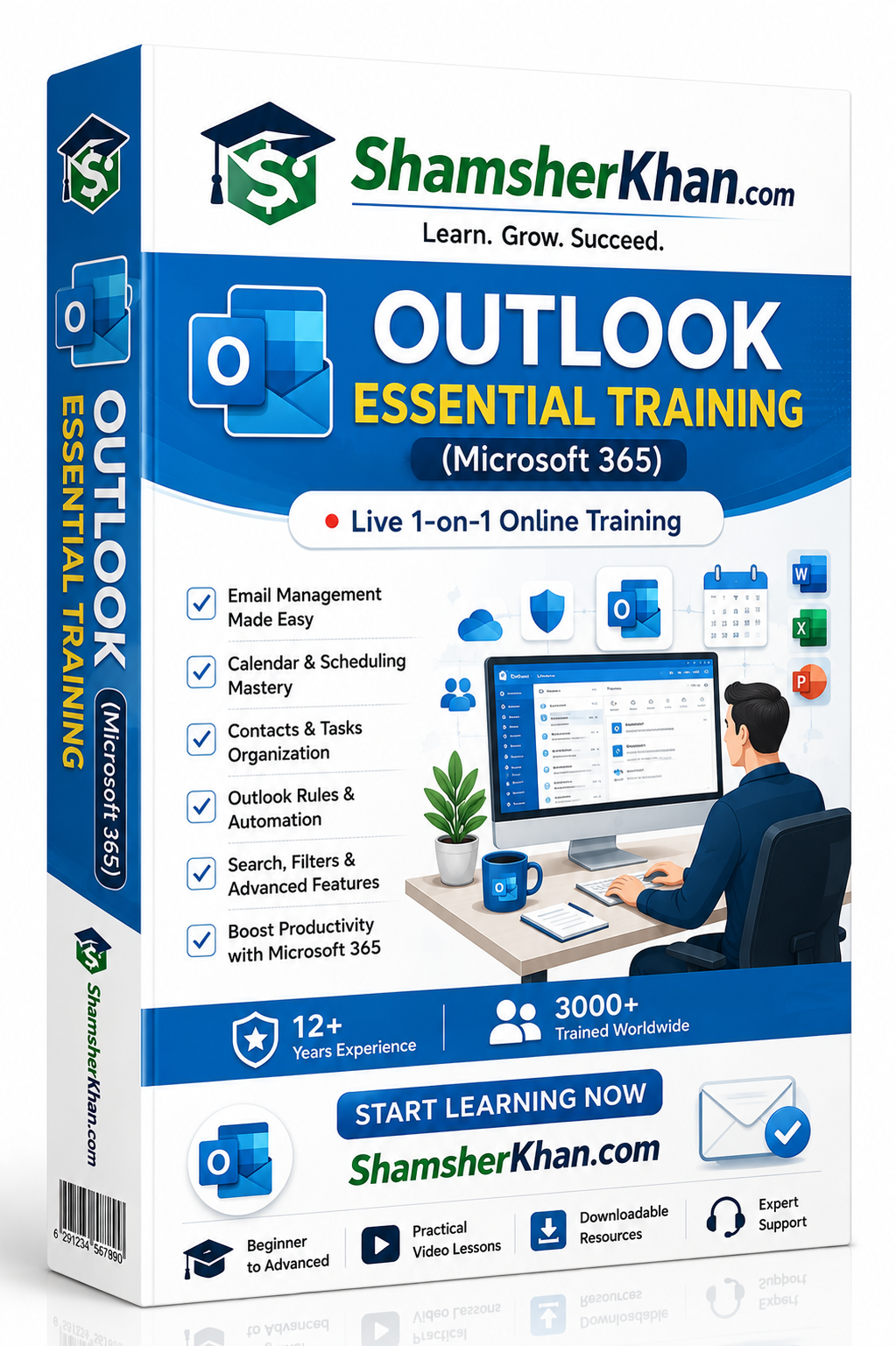
التدريب الأساسي على Outlook (Microsoft 365) - تدريب مباشر فردي عبر الإنترنت
التدريب الأساسي على Outlook (Microsoft 365) - تدريب مباشر فردي عبر الإنترنت
تعذر تحميل مدى توفر الطلب
صُمم هذا البرنامج التدريبي المباشر والفردي على Microsoft Outlook لمدة أسبوع ليلائم المهنيين، وموظفي المكاتب، والمديرين التنفيذيين، ورواد الأعمال، والمساعدين الافتراضيين، وأي شخص يرغب في إدارة البريد الإلكتروني، والتقويمات، وجهات الاتصال، والمهام، والإنتاجية بفاعلية باستخدام Microsoft Outlook في Microsoft 365.
سواء كنت مستخدماً جديداً لـ Outlook أو تتطلع إلى تحسين سير عملك اليومي، سيساعدك هذا التدريب الشخصي على تنظيم المراسلات، وجدولة الاجتماعات بكفاءة، وأتمتة المهام الروتينية، وتعزيز إنتاجيتك باستخدام ميزات Outlook القوية.
هذا تدريب عملي وتطبيقي مُصمم خصيصاً لمتطلبات عملك اليومية.
مخرجات دورة Outlook
بحلول نهاية هذه الدورة، ستتمكن من:
-
التنقل داخل Microsoft Outlook وتخصيصه بثقة.
-
إنشاء رسائل البريد الإلكتروني وإرسالها وإدارتها باحترافية.
-
تنظيم صندوق الوارد الخاص بك باستخدام المجلدات، والتصنيفات، والأعلام، والقواعد.
-
جدولة الاجتماعات وإدارتها بفاعلية.
-
مشاركة التقويمات والتعاون مع الزملاء.
-
إدارة جهات الاتصال، ومجموعات جهات الاتصال، وقوائم التوزيع.
-
إنشاء وتتبع المهام والتذكيرات.
-
أتمتة عمليات البريد الإلكتروني المتكررة باستخدام قواعد Outlook والخطوات السريعة (Quick Steps).
-
تحسين أمان البريد الإلكتروني والإنتاجية.
-
دمج Outlook مع تطبيقات Microsoft 365.
وحدات ودروس الدورة
اليوم الأول: مقدمة وإعداد
الدرس 1: مقدمة إلى Microsoft Outlook وMicrosoft 365
الدرس 2: فهم واجهة Outlook وطرق التنقل
الدرس 3: إعدادات Outlook والتكوين والتخصيص
اليوم الثاني: أساسيات إدارة البريد الإلكتروني
الدرس 1: كتابة رسائل البريد الإلكتروني الاحترافية وتنسيقها وإرسالها
الدرس 2: إدارة المرفقات والتوقيعات والقوالب
الدرس 3: تنظيم البريد الإلكتروني باستخدام المجلدات والتصنيفات وأدوات البحث
اليوم الثالث: إدارة التقويم والاجتماعات
الدرس 1: إنشاء المواعيد والأحداث
الدرس 2: جدولة الاجتماعات وإرسال الدعوات
الدرس 3: مشاركة التقويم، والأذونات، والمناطق الزمنية
اليوم الرابع: إدارة جهات الاتصال والمهام
الدرس 1: إنشاء وإدارة جهات الاتصال
الدرس 2: مجموعات جهات الاتصال وقوائم التوزيع
الدرس 3: المهام، وقوائم المهام (To-Do)، والتذكيرات، وإدارة المتابعة
اليوم الخامس: الإنتاجية والأتمتة
الدرس 1: الخطوات السريعة وأتمتة البريد الإلكتروني
الدرس 2: إنشاء قواعد Outlook وإدارتها
الدرس 3: البحث المتقدم، والفلاتر، وميزات الإنتاجية
اليوم السادس: التعاون وتكامل Microsoft 365
الدرس 1: تكامل Outlook مع Microsoft Teams
الدرس 2: العمل مع مرفقات OneDrive وWord وExcel
الدرس 3: أفضل ممارسات التعاون في Microsoft 365
اليوم السابع: الأمان، وأفضل الممارسات، والتحسين
الدرس 1: أمان البريد الإلكتروني، والحماية من البريد المزعج (Spam) والتصيد الاحتيالي
الدرس 2: تنظيف صندوق البريد، والأرشفة، وإدارة البيانات
الدرس 3: استكشاف الأخطاء وإصلاحها، وأفضل الممارسات، ومراجعة الدورة
المتطلبات الأساسية
-
معرفة أساسية بالحاسب والإنترنت
-
الوصول إلى Microsoft Outlook أو Microsoft 365 (موصى به)
-
لا يشترط وجود خبرة سابقة في Outlook
طريقة التدريب
-
جلسات مباشرة وفردية عبر الإنترنت
-
جدولة مرنة
-
تمارين عملية وتطبيقية
-
تنفيذ فوري وجلسات أسئلة وأجوبة
-
تدريب مخصص بناءً على دورك وسير عملك
هل أنت مستعد لإتقان Microsoft Outlook؟
سجّل في دورتنا التدريبية الأساسية والمباشرة والفردية لـ Outlook لمدة أسبوع، وتعلم كيفية إدارة رسائل البريد الإلكتروني، والتقويمات، والاجتماعات، والمهام بكفاءة أكبر باستخدام Microsoft 365.
حسّن إنتاجيتك، وقم بتبسيط اتصالاتك، وحافظ على تنظيمك من خلال تدريب شخصي يقوده خبراء.
احجز استشارتك المجانية اليوم وابدأ في إتقان Microsoft Outlook كالمحترفين. 🚀
-
عمود
قم بإقران النص مع الصورة للتركيز على المنتج أو المجموعة أو منشور المدونة الذي اخترته. أضف تفاصيل حول التوفر أو الطراز أو حتى قم بتقديم مراجعة.
-
عمود
قم بإقران النص مع الصورة للتركيز على المنتج أو المجموعة أو منشور المدونة الذي اخترته. أضف تفاصيل حول التوفر أو الطراز أو حتى قم بتقديم مراجعة.
-
عمود
قم بإقران النص مع الصورة للتركيز على المنتج أو المجموعة أو منشور المدونة الذي اخترته. أضف تفاصيل حول التوفر أو الطراز أو حتى قم بتقديم مراجعة.